

Version5.0.0
Making Projects
We have come a long way. The first part of this book took MIDI apart down to the bits in the cable, and the second gave you a language in which to say what should happen to them. What remains is the part that made you pick up the book in the first place: building things.
For that, I am going to hand you over to the tutorials. Each one builds a single preset from nothing and explains itself as it goes, with every click shown and every line of Lua written out. They were written to be followed at the controller, and I would rather you did that than read my summary of them. What this chapter adds is the thread that runs through them: why they come in the order they do, what each one is really about, and where the ideas from the first two parts of the book turn up in practice.
Read them in order if you can. The later ones build on the earlier ones, and five of them in the middle grow a single DX7 preset from one message into a full editor.
A page of knobs
The first two tutorials are about the thing you see when you look at an Electra One: a page of controls, each sending a MIDI message.
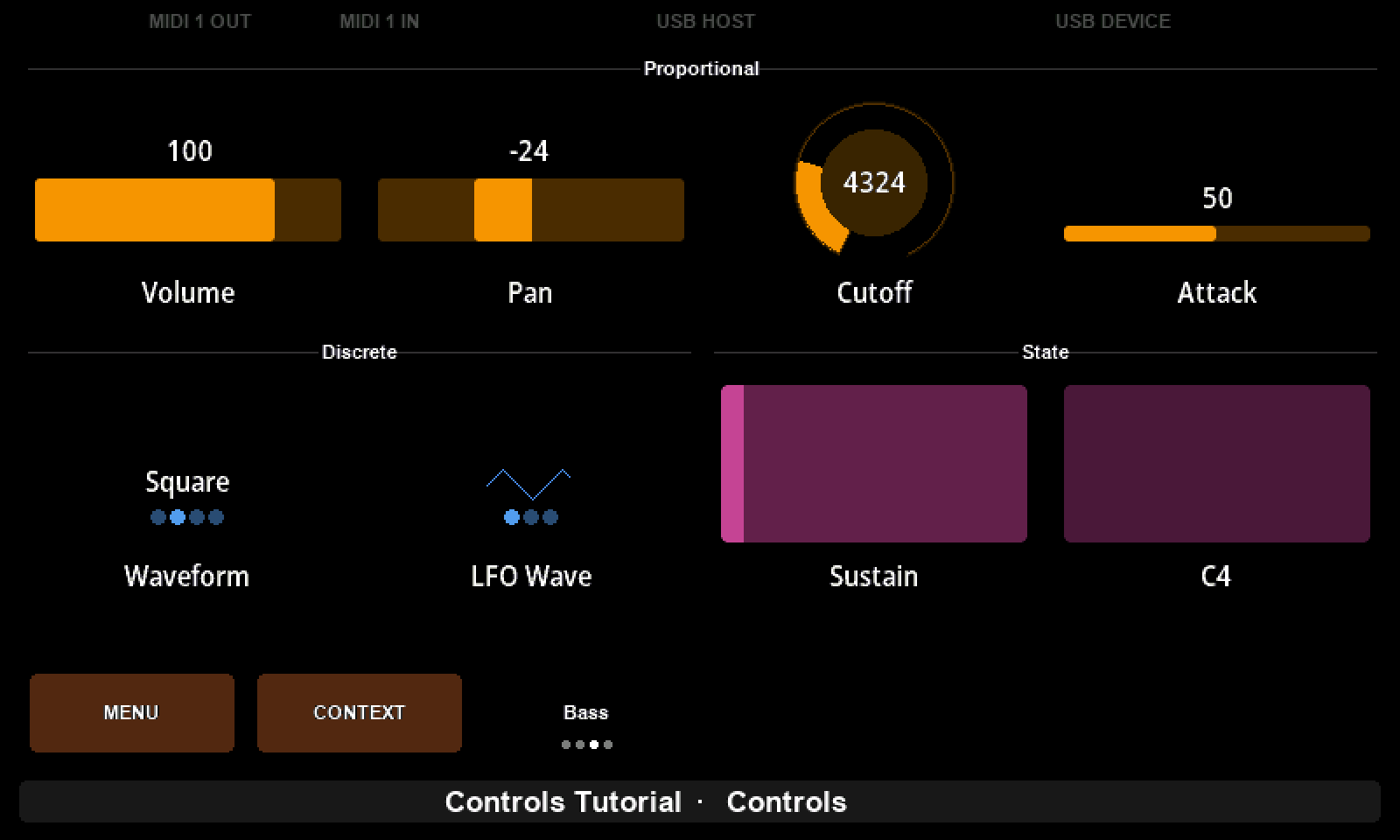
How Controls Work builds one control of every kind, a fader, a dial, a list, a pad and a note, and sends a Control Change, a 14-bit Control Change, a Program Change and a note with them. If you have read the MIDI part of this book, you already know what those messages look like on the wire; here you watch them leave the controller as you turn the knobs. The idea to take away is that every control keeps two numbers, the one on the screen and the one in the message, and the controller maps between them. Much of what follows depends on holding those two apart.
MIDI Learn turns the process around. Instead of typing a message into a control, you turn a knob on the instrument and let the editor read the message off the wire. It is the quickest way to build a preset for an instrument that sends what it receives, and it shows how the editor works out a parameter's range and finds the value byte in a SysEx message. It also shows where it guesses wrong, and how Change type puts it right, which teaches you more about message types than getting it right would have.
More than one message per knob
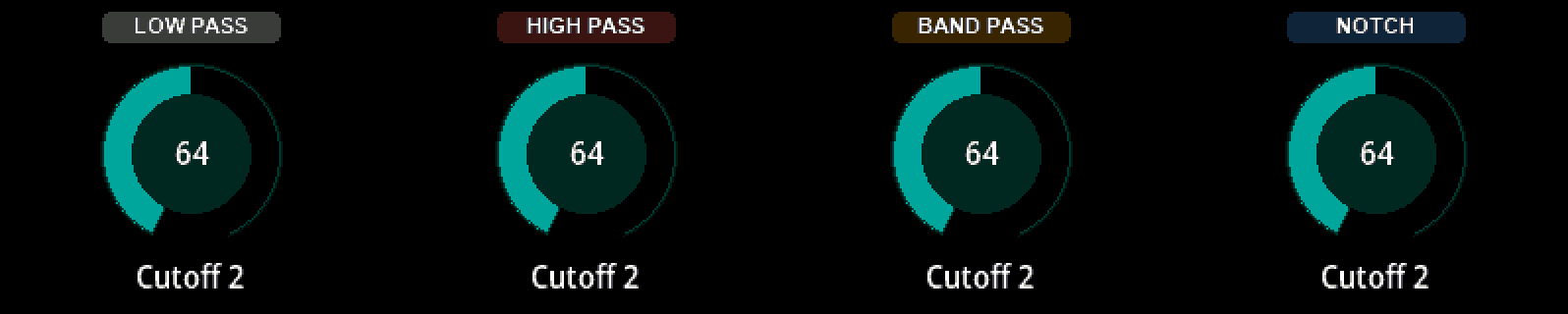
Control Events is where a page starts to do more than it has knobs. A dial's press and touch can carry messages of their own, a group label can follow a parameter and turn into a display, and a pad can switch pages. It is also where Lua first appears, in a handful of lines: a function that cycles a filter through four types each time the knob is pressed. If you have read the chapters on conditions and functions, that function will read like a sentence.
Revisions and Releases is the short one, and the one people skip. Do not. It is about saving a preset with a sentence describing what changed, going back when a change was a mistake, and marking a version as a release for the people who use it. I said in the preface that discipline matters as much as knowing the language; this is the tutorial where that starts.
A number that reads like a word
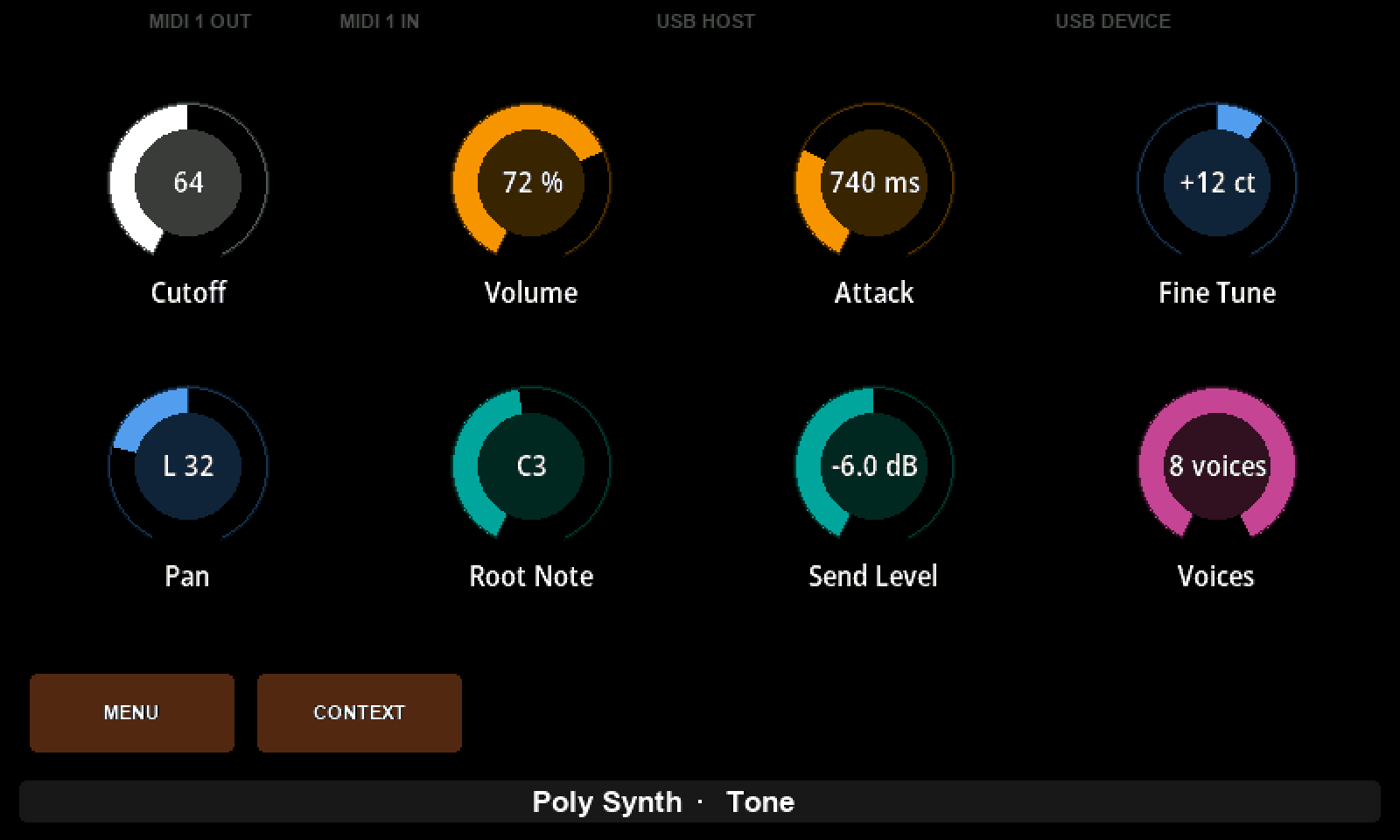
Formatting Values with Lua is the bridge from the second part of this book to the controller. An instrument's own screen says 1.2 kHz and L 32 and C3; the Electra One, left to itself, says 64. A formatter is a short Lua function that closes that gap, and the tutorial gives you seven of them to copy, for percentages, times, tunings, panning, note names, decibels and plurals. Every one of them is made of things you now know: string.format, an if with a guard clause, a table of note names built once at the top of the script.
It is also the place to go when something you want is slightly different from what is there. The last section is about changing a formatter for your own instrument, and about asking an AI assistant for one when the change is bigger than you fancy. Either way, the advice is the same: send it to the controller and turn the knob to both ends.
One preset that grows into an editor
The next five tutorials share a single preset and a single instrument, the Yamaha DX7, or Dexed standing in for it. They are the heart of the course. Everything the MIDI part of this book said about SysEx, bits and bytes, and request and response is put to work here, one piece at a time.
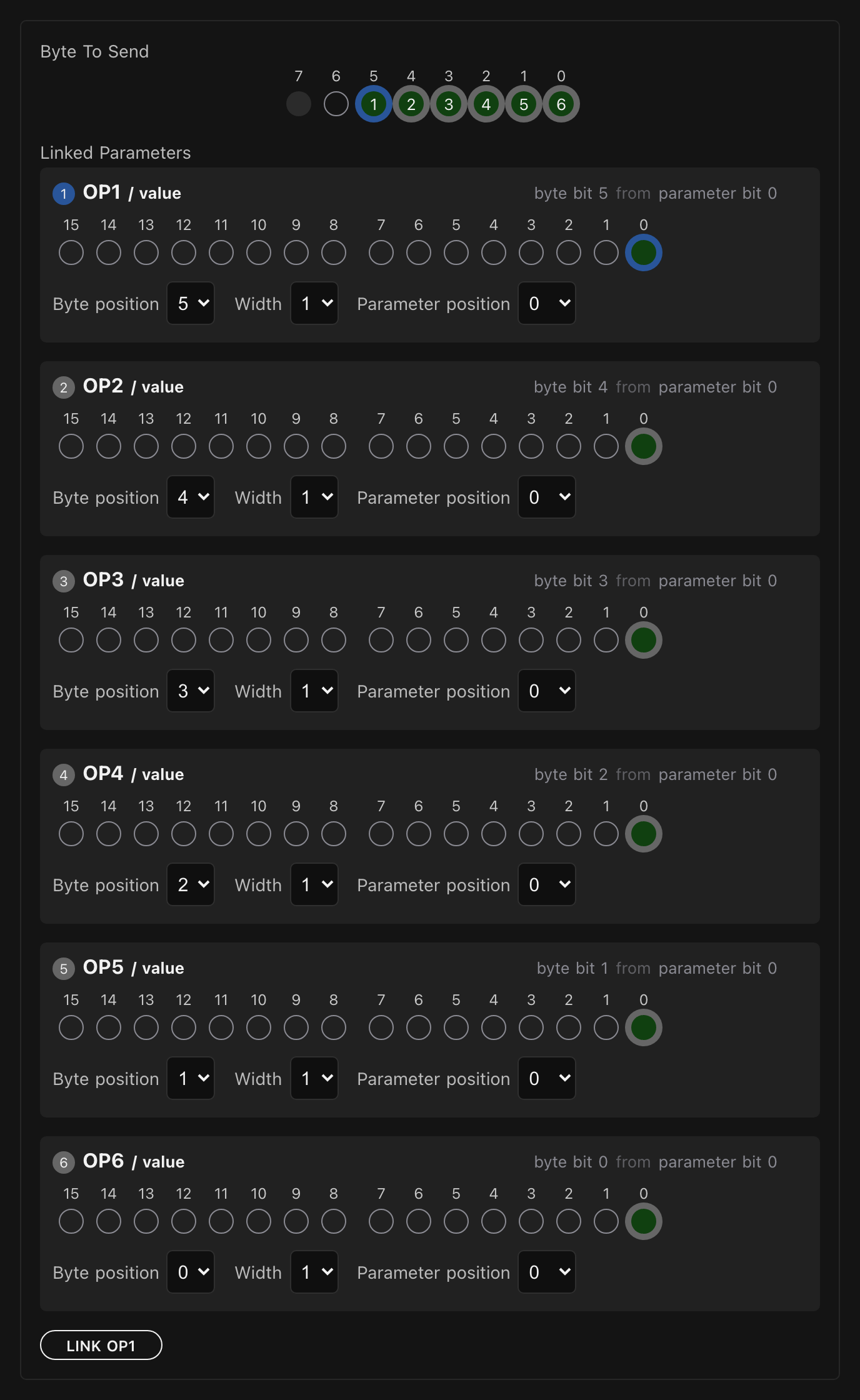
Sending SysEx Messages writes a SysEx message for a control byte by byte, then does something you cannot do with a Control Change: it puts six switches into one byte, each owning a single bit. If the More Bits & Bytes chapter felt abstract, this is where it becomes a picture on the screen.
Device SysEx Messages takes the message off the control and puts it on the device, so that one template serves every parameter of the synthesizer. It carries the parameter number as well as the value, uses a line of Lua for the channel byte, and listens as well as sends, so that turning a knob on the instrument moves the control on the Electra One. This is the shape of every real instrument editor, and the tutorial is honest about the two traps that come with it.
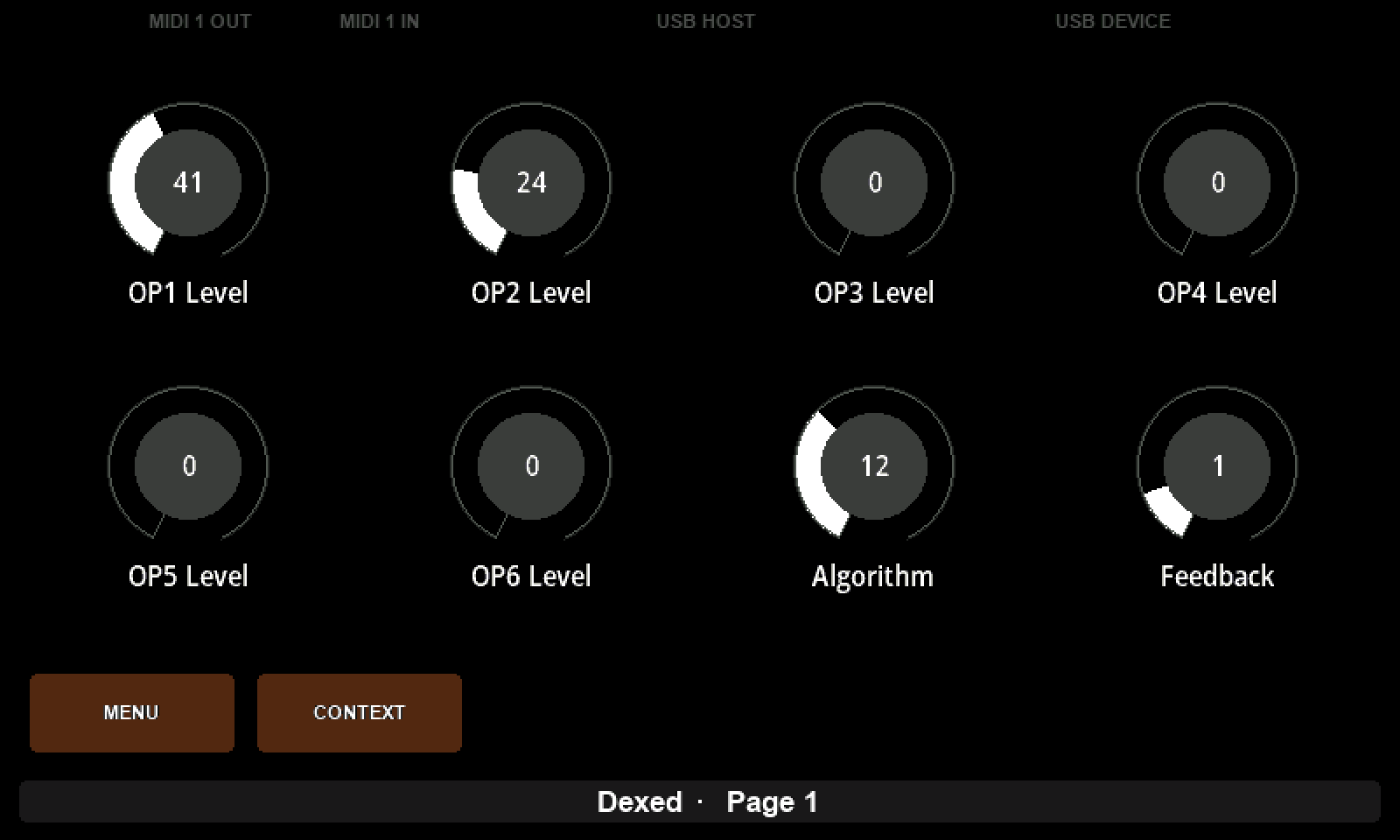
Patch Request and Response asks the instrument for its current sound and fills the whole page from the answer. The request and the response header are the request-response pattern from the System Exclusive chapter made concrete, and the rules that take bytes and single bits out of the dump are the bit operations once more, this time going the other way. The tutorial ends with a pad that sends the request, so that the preset can ask with one press.
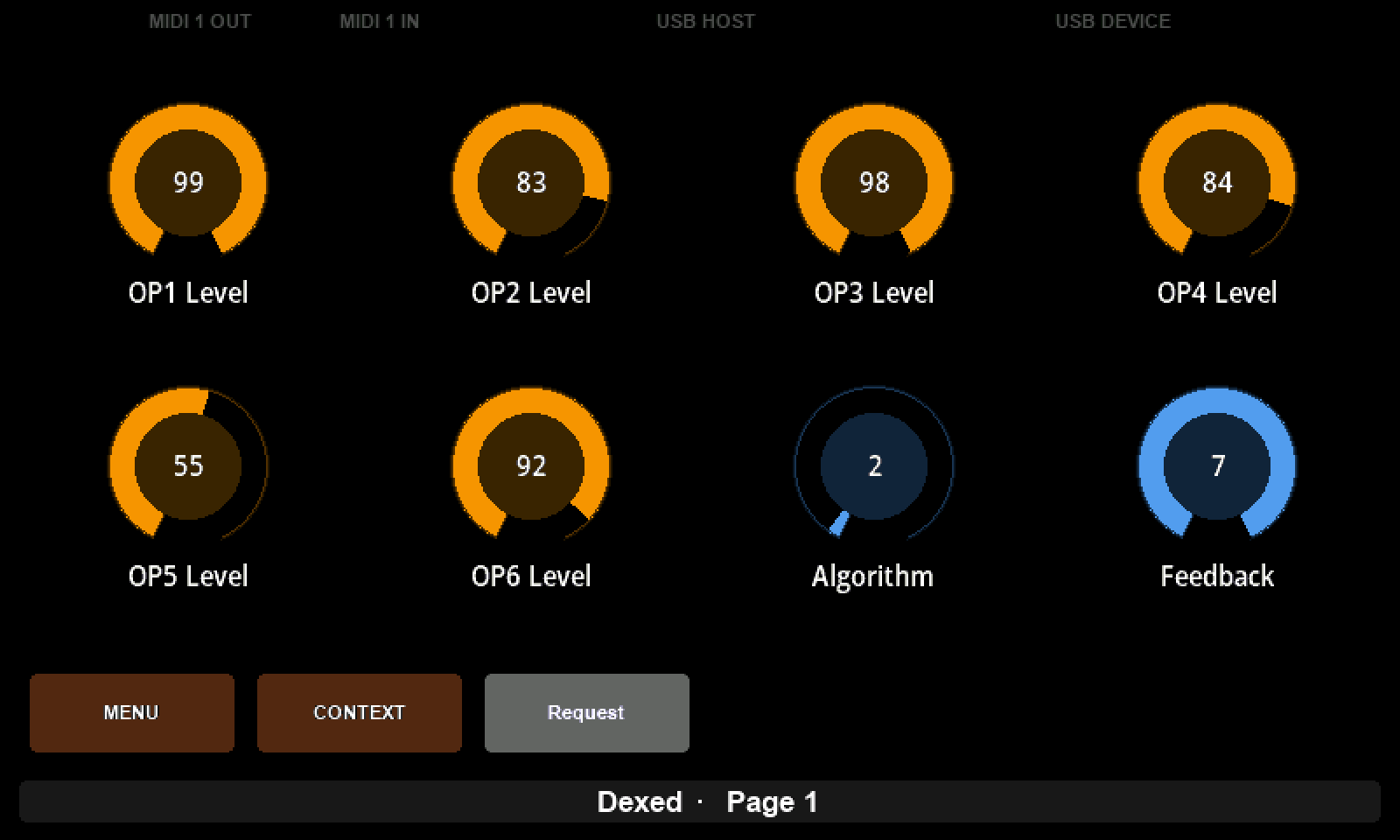
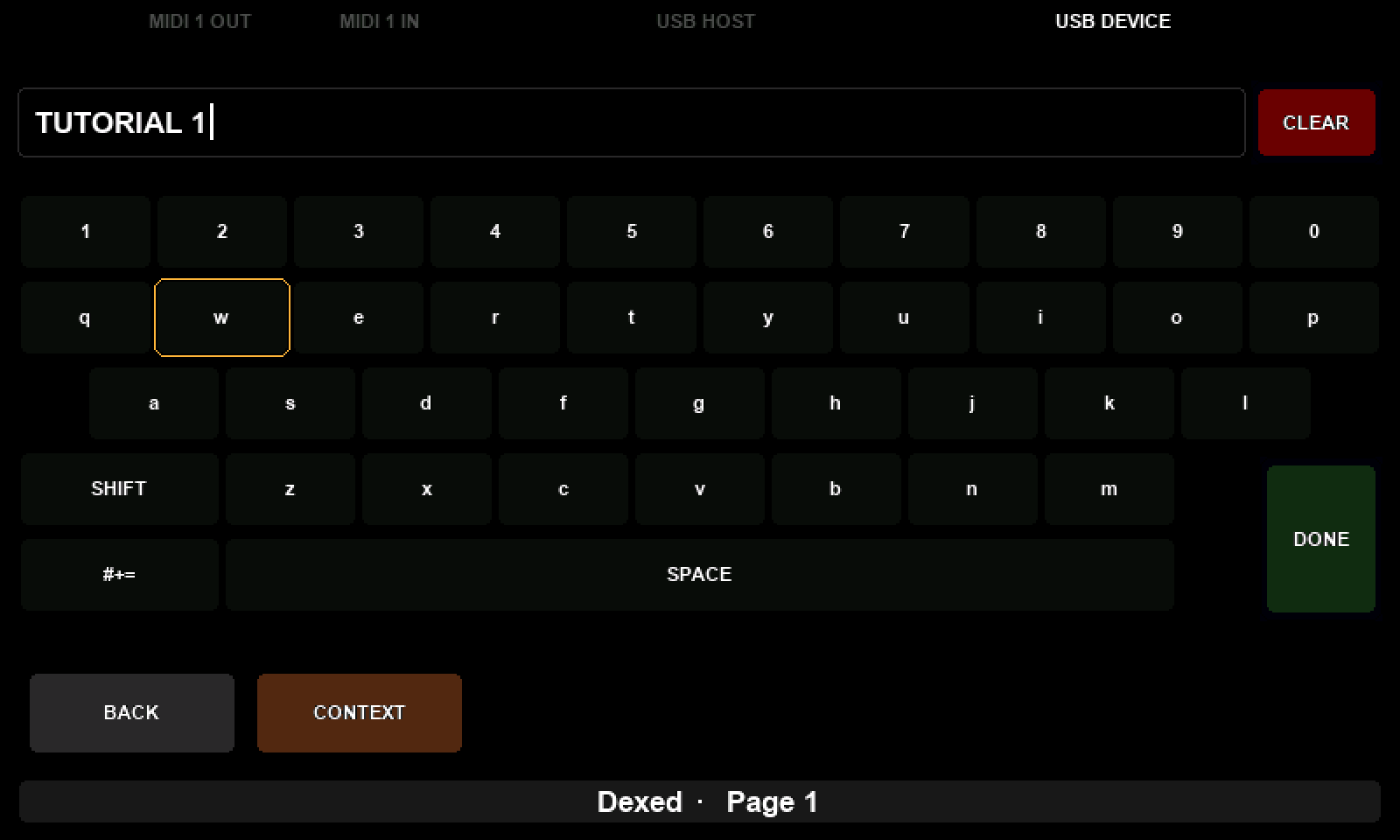
Editing a Patch Name picks up the one thing a rule cannot reach. A name is text, not a number, and here Lua reads ten bytes out of the dump with a loop, shows them in a text box, lets you edit them with the controller's own keyboard, and writes them back with ten parameter changes. It uses nearly every chapter of the Lua part at once, loops, tables, strings, the or 32 fallback, and about thirty lines in total.
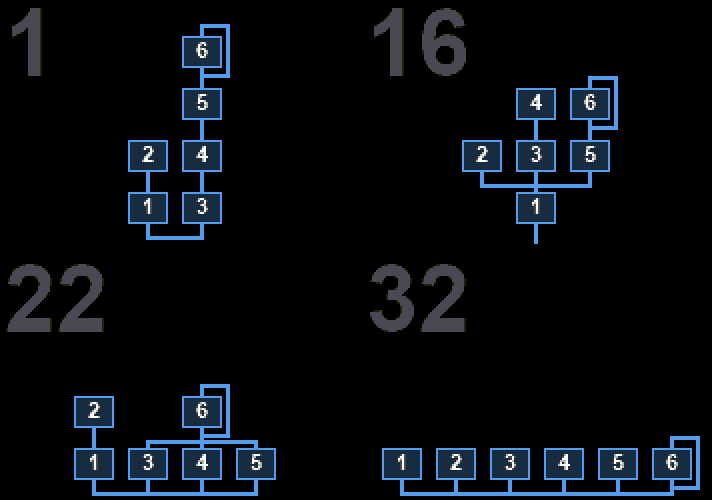
Drawing a Custom Control replaces the Algorithm dial, whose number means nothing to anybody, with a drawing of the thirty-two ways the six operators can be wired. A custom control is a rectangle your script paints and a knob your script answers, and the tutorial shows how to build the drawing from small functions that each know one shape, and how to make it follow the instrument rather than only the knob. It is the most ambitious script in the course, and by now you can read it.
When it does not work
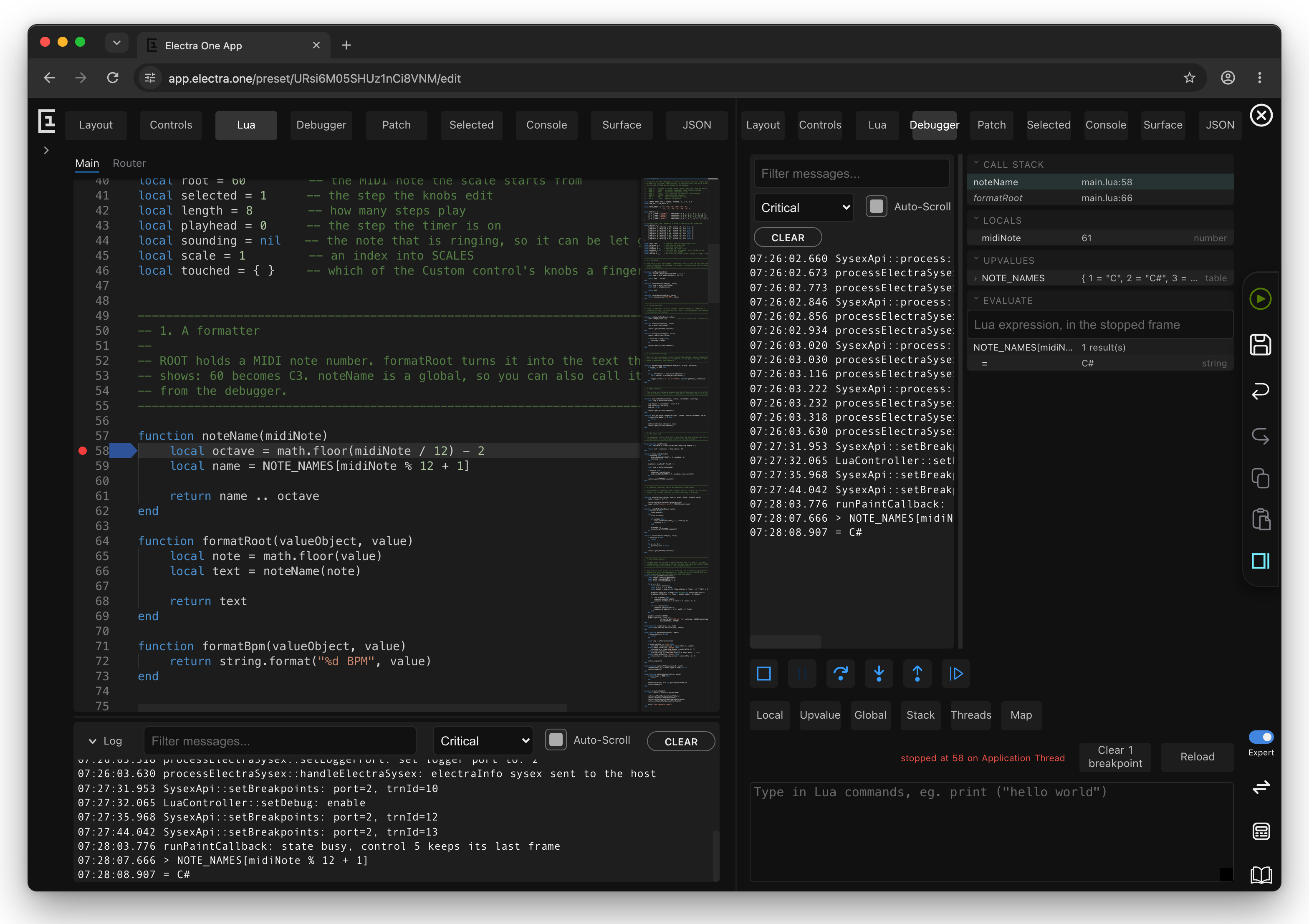
Debugging a Preset's Lua is the tutorial I wish every scripting environment came with. The editor can stop your script on the controller, at a line you choose, while the instrument is playing, and show you every variable and the whole chain of calls that led there. The tutorial walks through a session and visits every place a preset's Lua can run: formatters, value functions, events, timers, MIDI callbacks and painting. Its first advice, though, is the same as the last idiom in the previous chapter: read the log first.
Letting an assistant build it
In the preface I promised we would touch on artificial intelligence, and the two tutorials that do so are the reason I wanted you to learn the basics first. An assistant that writes Lua for you is remarkable, and it is far more useful to someone who can read what it wrote.
Building a Preset with AI sets up a folder on your computer that is a preset slot on the controller, opens it in VS Code with an AI coding agent, and describes a preset in plain language. The part that matters is letting the agent check its own work, by reading the controller's screen, its log and the MIDI it sends, and keeping what works with tests and git.
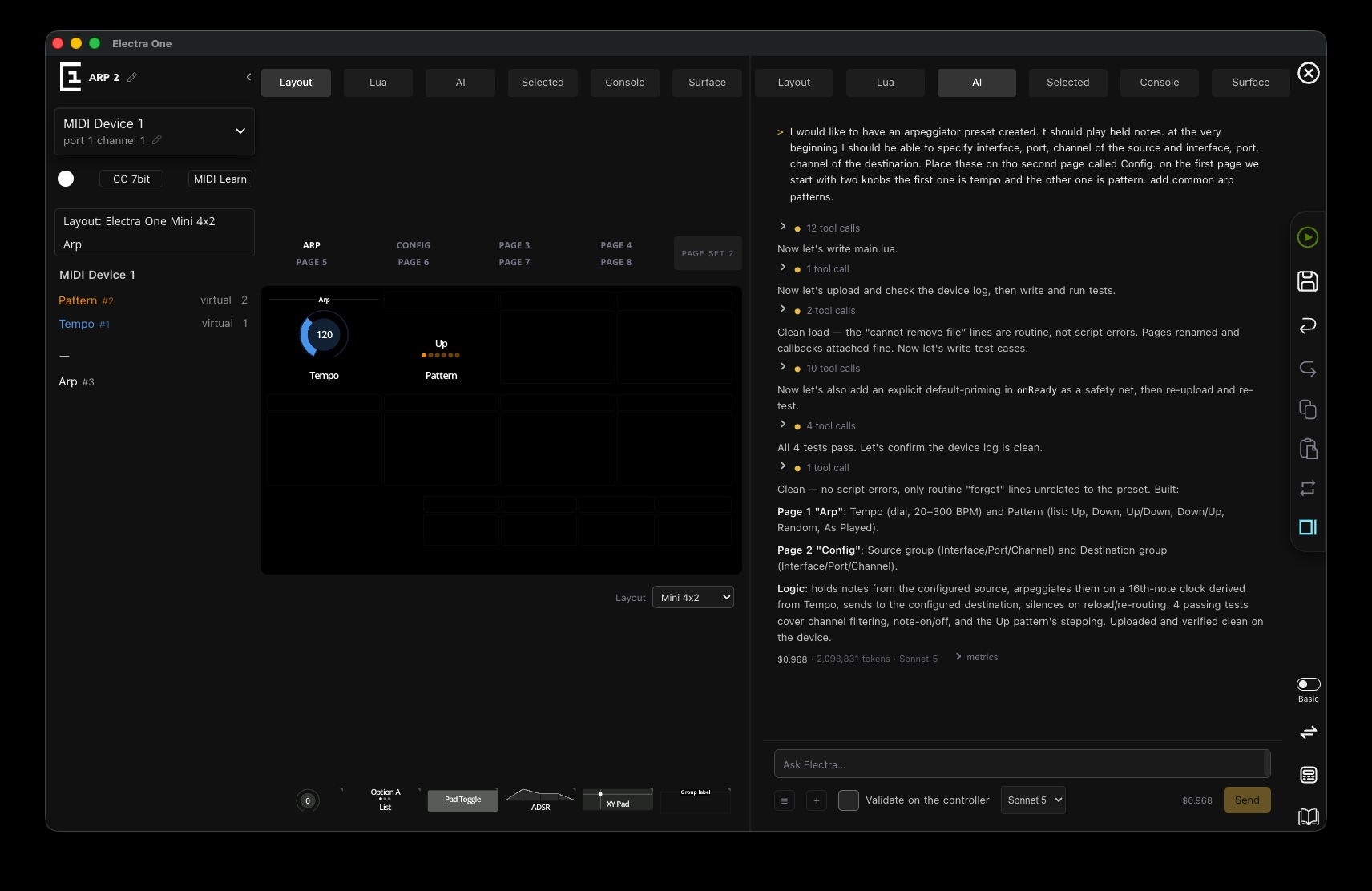
Building with AI Assistant does the same from inside the desktop app, with a single, carefully specific request, and shows the whole session, including what it cost. Read the prompt closely. It is specific in exactly the places the first two parts of this book taught you to be specific about: ports, channels, ranges, what the knobs do and what should be tested.
The studio around the controller
The last tutorial steps back from the preset to the room it lives in. iConnectivity Routers connects the controller to a mioXL or mioXM over a single USB cable, names the ports, puts several controllers on one network, and brings a synthesizer in so that a DAW can record it. It is the MIDI channels and ports from the very first chapter of this book, at the scale of a whole studio.
Where to go from here
When you have worked through the tutorials, you will have built a complete instrument editor, drawn your own control, debugged a running script and asked an assistant to build a preset for you. The Preset Lua Extension reference is then no longer a wall of functions but a catalogue of things you know how to use, and the preset library is a collection of scripts you can read.
That is the point at which this book has done its job. The rest is your imagination, and I am looking forward to seeing what you make with it.